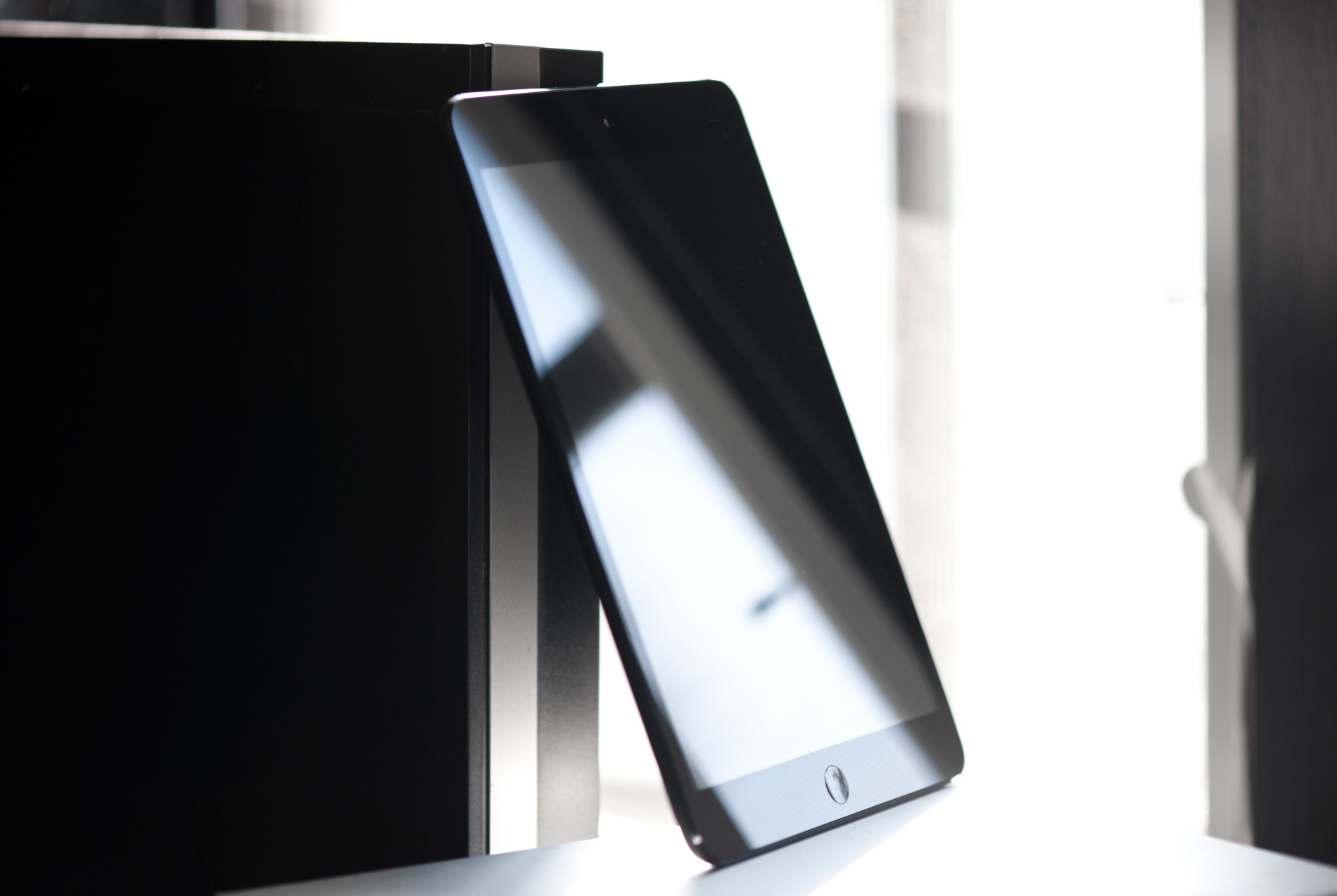
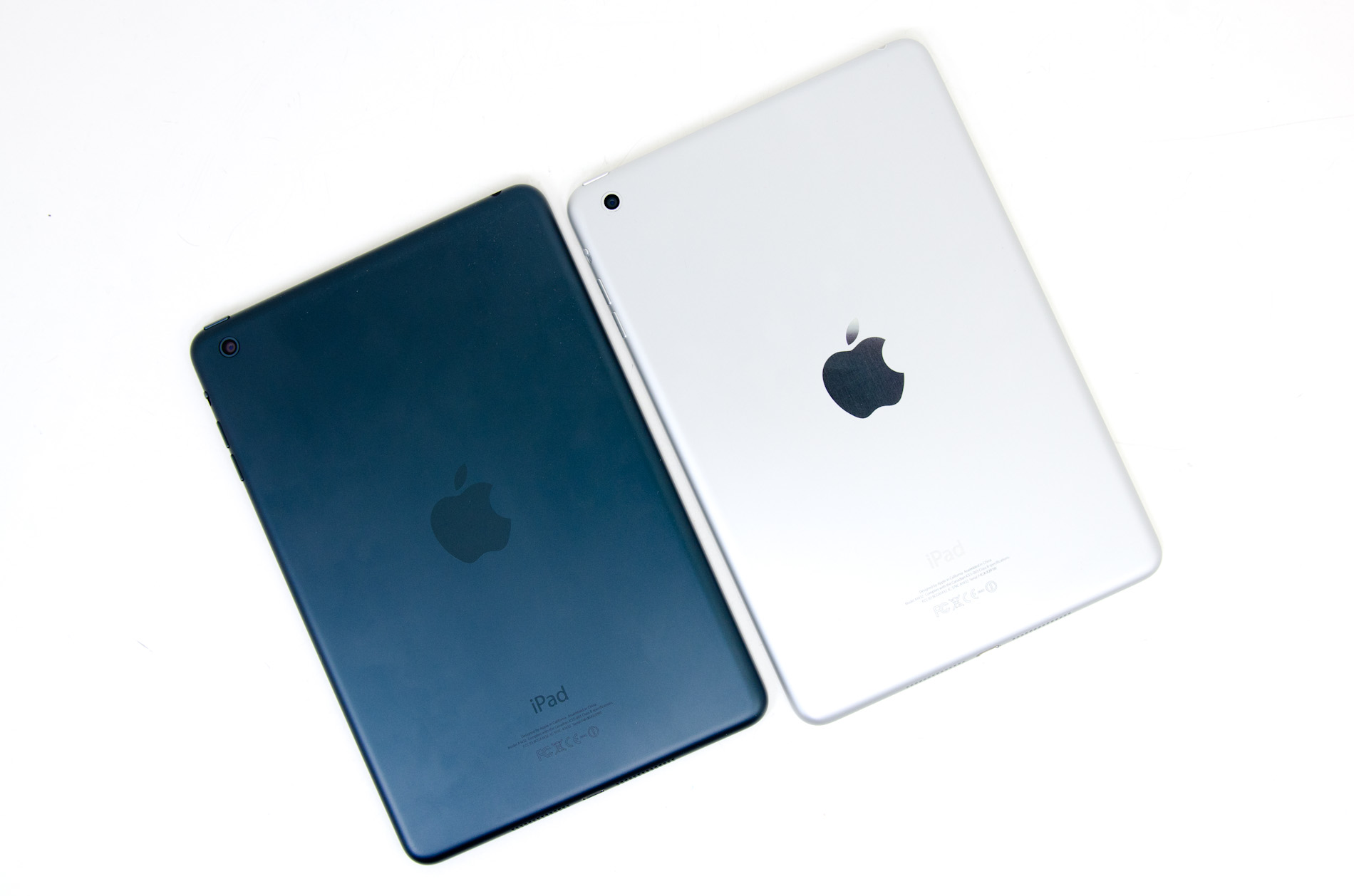
We’ve been hearing whispers of a 7” Apple-built tablet since even before the original iPad was shown off in January 2010. By late 2011, the speculative consensus seemed to center around a 7.85” iPad targeted at the then-new Kindle Fire, with a 1024x768 resolution that would give it the same pixel density as the iPhone 3GS and a resolution that matched the regular 9.7” iPad. We’ve basically been hearing about this new device every two weeks since then. Apple’s “veil of secrecy” is almost entirely gone at this point, something that is getting more obvious with every new product launch and a fact I think is worth mentioning because we’ve essentially known what the iPad mini was going to be, design and component-wise, since late summer.

The result is a healthy blend of parts-bin engineering, a device that shares features and components with many other iOS devices. The design language is nearly identical to that of the fifth generation iPod touch, as is the SoC (the 32nm shrink of A5, also shared with the iPad 2,4) and camera - a 5MP sensor with Apple’s five-element, f/2.4 optical system. With the same aspect ratio and screen resolution as the iPad 2, the iOS software stack is pretty straightforward too.
The Retina display technology is one that very prominently didn’t trickle down to the iPad mini; with seemingly the entire rest of Apple’s mobile lineup going Retina, from the iPod touch all the way up to the 15” MacBook Pro, the lack of a super-high resolution panel is noteworthy. We’re left with a 7.85” IPS panel (rounded to 7.9” in Apple’s marketing material) that runs a 1024x768 resolution and a pixel density of 163. That’s the same as the first generation iPhone (as the 3G/3GS), which was cutting edge back in 2007, and half that of the iPhone 4/4S/5. I’ll talk more about the display later on, but it’s safe to say that the Retina display is the single biggest omission from the iPad mini feature list.
| iPad Specification Comparison |
| Apple iPad mini | Apple iPad 4 | Apple iPad 3 | Apple iPad 2 | Apple iPad |
| Dimensions | 200 x 134.7 x 7.2mm | 241.2 x 185.7 x 9.4mm | 241.2 x 185.7 x 9.4mm | 241.2 x 185.7 x 8.8mm | 243.0 x 190.0 x 13.4mm |
| Display | 7.85-inch 1024 x 768 IPS | 9.7-inch 2048 x 1536 IPS | 9.7-inch 2048 x 1536 IPS | 9.7-inch 1024 x 768 IPS | 9.7-inch 1024 x 768 IPS |
| Weight | 308g (WiFi) | 652g (WiFi) | 652g (WiFi) | 601g (WiFi) | 680g (WiFi) |
| Processor | 1GHz Apple A5 (2 x Cortex A9, PowerVR SGX543MP2) |
Apple A6X (2 x Swift, PowerVR SGX 554MP4)
|
Apple A5X (2 x Cortex A9, PowerVR SGX 543MP4)
| 1GHz Apple A5 (2 x Cortex A9, PowerVR SGX543MP2) | 1GHz Apple A4 (1 x Cortex A8, PowerVR SGX 535) |
| Connectivity | WiFi , Optional 4G LTE | WiFi , Optional 4G LTE | WiFi , Optional 4G LTE | WiFi , Optional 3G | WiFi , Optional 3G |
| Memory | 512MB | 1GB | 1GB | 512MB | 256MB |
| Storage | 16GB—64GB | 16GB—64GB | 16GB—64GB | 16GB—64GB | 16GB—64GB |
| Battery | 16.3Wh | 42.5Wh | 42.5Wh | 25Wh | 25Wh |
| Starting Price | $329 | $499 | - | $399 | - |
Unlike previous releases of the 9.7” iPad, which have all come with new SoCs or otherwise significant internal upgrades, there’s not much in the way of silicon-level innovation. Each iPad has come with a new SoC, with A4, A5, A5R2, A5X, and A6X all showing up first in the various iPads, and the only major Apple SoC release in that time to not ship first in an iPad was A6, which of course came alongside the iPhone 5 two months ago. The iPad mini, on the other hand, is on paper basically just an iPad 2,4 in miniature form, plus better cameras, optional LTE, and new industrial design.
The mini is available with the same color schemes as the iPhone 5, with the black or white bezels being joined by slate and silver anodized aluminum chassis, respectively. NAND options are the usual 16/32/64GB, with LTE-enabled models available through AT&T, Verizon, and Sprint. Pricing starts off at $329, with NAND going for $100 per step and $130 for LTE, as on the other iPads. This is a major point of contention with the mini, because the most obvious rivals in the Android world, the Nexus 7 and Kindle Fire HD 7”, start at $199 and charge less for NAND upgrades. A 32GB Nexus 7 will run you $249, same with the 32GB Kindle Fire HD, while a 32GB iPad mini goes for the rather princely sum of $429. You could buy two 16GB Nexus 7s and a bundle of paid apps for the same as a 32GB mini.

But here’s the thing - I don’t consider the iPad mini a competitor to the Nexus 7. The Nexus 7, to me, is what I buy if I’m in the market for a $199 tablet or I want a 7” Android device. It’s a completely different experience than the iPad mini. In my mind, the closest competitors for the iPad mini are, in order, the iPad 2, the Kindle Fire HD 8.9”, and the Nook Tablet HD+. The iPad 2 is obvious because these are the two lowest priced iOS tablets right now, and with similar underlying hardware, they’re actually pretty closely matched. I think the latter two are especially interesting comparisons to make, because all three exist in the ~$300 “small premium tablet” niche that has suddenly appeared.
Consider it like the Mini Cooper equivalent in the tablet world - a premium experience offered at a very attainable (if not particularly value-oriented) price point. Obviously, that game plan has worked very well for BMW in the automotive world, and certainly if any company could use it successfully in consumer electronics, it would be Apple. The business case for it almost writes itself, but does it result in a truly stand-out product or a half-hearted me-too attempt by Apple to grab a share of the budget tablet market? With relatively little in the way of new hardware to talk about, a lot of this review will center around the user experience, and that’s really what will determine how successful it is. Let’s start with the major differentiating factor brought by the iPad mini, the new form factor.